
Skip to content
FeelScape

Widget

Your affirmation, on the lock screen.

The best affirmation is the one you see without trying. The FeelScape widget puts your latest one where you already look a hundred times a day.

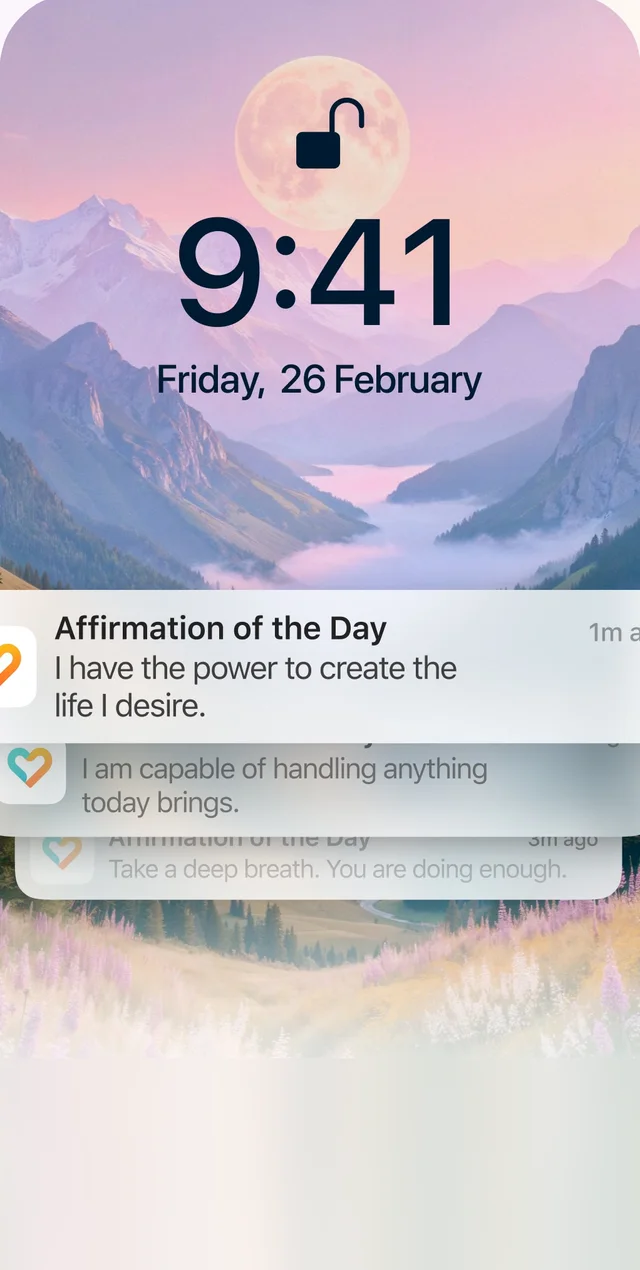
FeelScape affirmation notifications on iPhone lock screen

Reminders that are not nags

Choose how many affirmations you want per day and FeelScape sends them between 9 am and 10 pm in your timezone. Each one is written for your most recent mood, so a morning check-in shapes the afternoon.

Widget sizes

Small, medium and lock screen on iOS. Small and medium on Android. All show the current affirmation and open the app on tap.

Perspective

Prefer “I am” or “You are”? Set it once in Settings and the widget, notifications and app all follow.

FAQ

Common questions

How do I add the FeelScape widget on iPhone?
Long-press the home screen, tap the + button, search FeelScape, choose a size and tap Add Widget. For the lock screen, long-press the lock screen, tap Customize, then add FeelScape in the widget area.
How do I add it on Android?
Long-press an empty area of the home screen, tap Widgets, find FeelScape and drag it into place.
How often does it update?
Whenever you get new affirmations, and with your scheduled reminders. It always shows the latest one.

Your next affirmation is 30 seconds away.

Download free. Log how you feel. Read something written for exactly that.

Free to download · No account needed to start · Premium from $3.33/mo with a 3-day free trial

Get affirmations written for you